Do you have notifications you want to edit?
1. Navigate to Notifications
2. Click Edit on the notification you want to make changes to
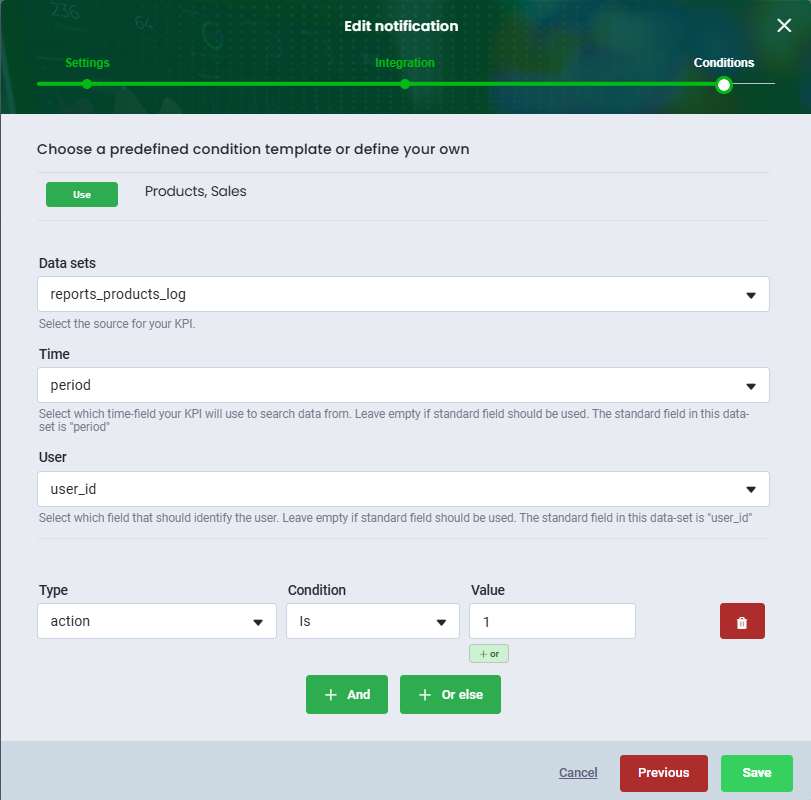
3. Click Edit notification and make your changes
4. Click Save
The changes you have made will now apply to the actions set up on the notification.
If you want to add actions til your notifications, you can read more about it here.
Was this article helpful?
That’s Great!
Thank you for your feedback
Sorry! We couldn't be helpful
Thank you for your feedback
Feedback sent
We appreciate your effort and will try to fix the article