Would you like to experience what IntraManager Board can offer you?
You can easily create a free 30-day trial.
- Navigate to IntraManager Board.
- Click on Try for free at the top right corner or Try Board for free.
- Enter your email and phone number. If you have a promo code, you can enter it here as well.
- Click Create demo.
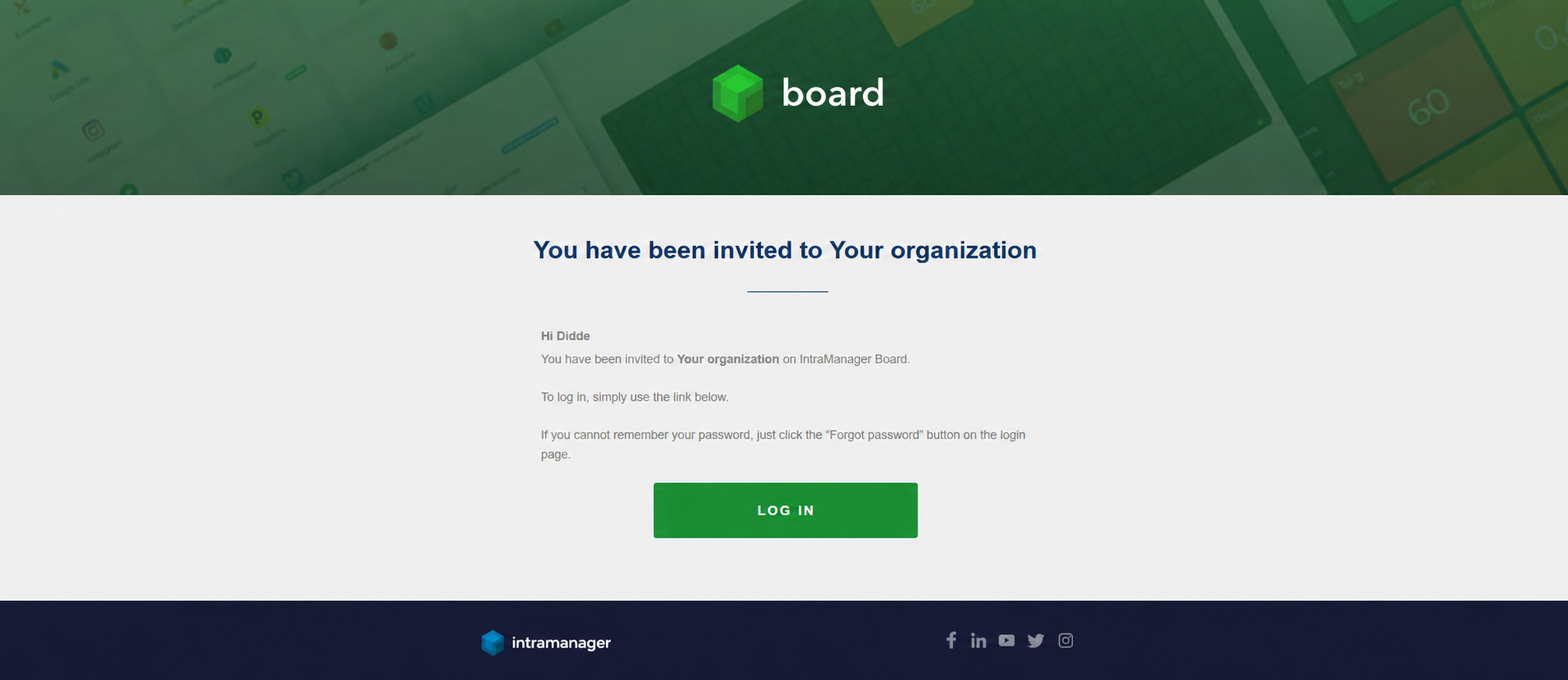
- You will then receive an email, from where you can log in to Board and set up a password.
- Once this is done, you're ready to use Board.
Please note that the link to create a password in the email is only valid for 24 hours. If you do not click on the link within this period, click on 'Forgot your password' button on the login page.
Was this article helpful?
That’s Great!
Thank you for your feedback
Sorry! We couldn't be helpful
Thank you for your feedback
Feedback sent
We appreciate your effort and will try to fix the article