- Go to TV
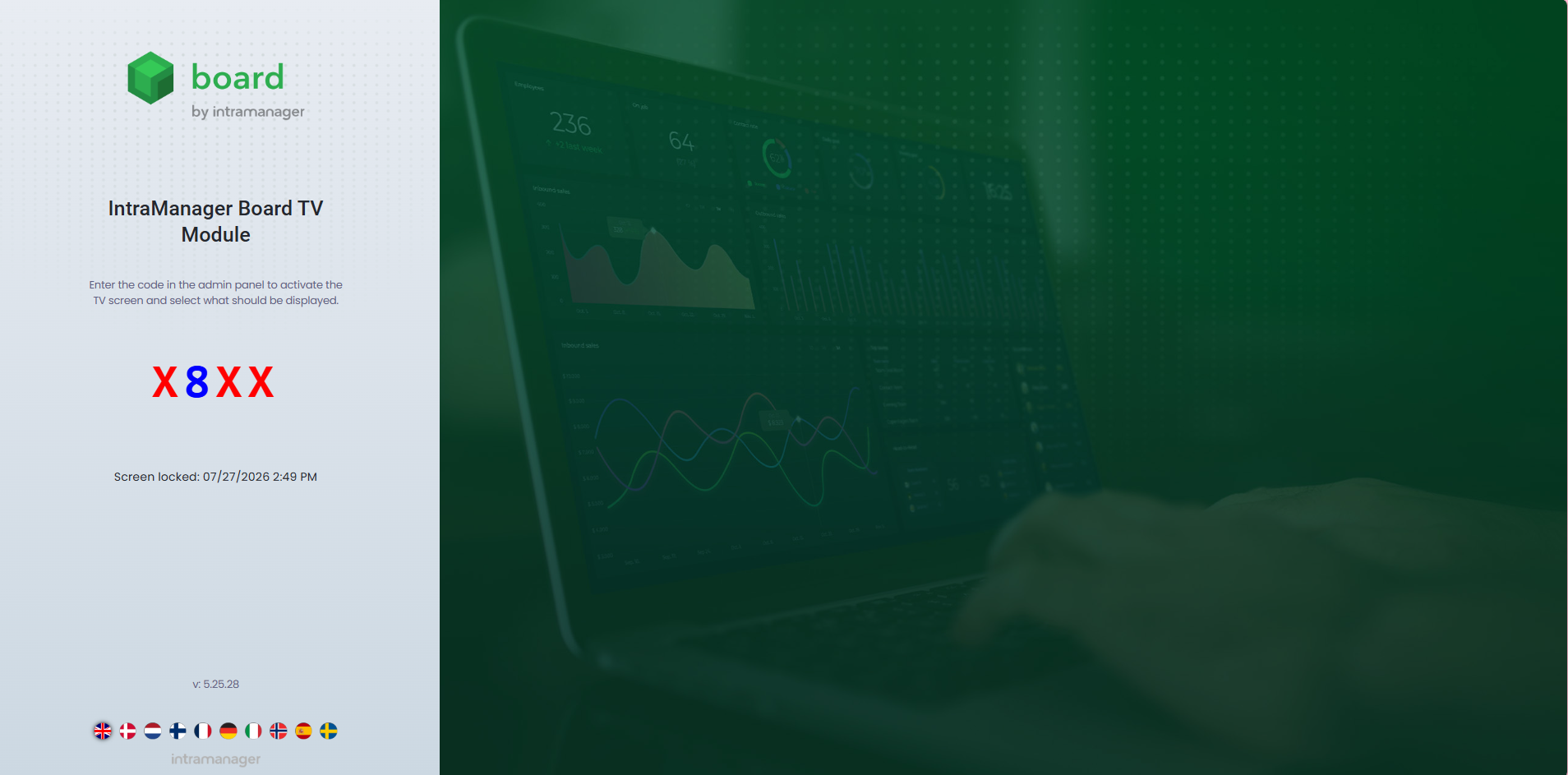
- Open the browser on your device (TV, Tablet etc.)
- Navigate to https://board.intramanager.com/tv
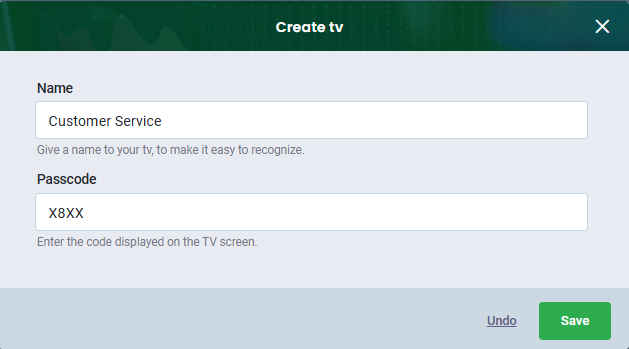
- Click Create TV
- Name the TV
- Enter the four-digit code from the browser
- Click Save
Once this is done, the device will be connected to Board.
Letters are shown in red, and numbers are shown in blue.

Was this article helpful?
That’s Great!
Thank you for your feedback
Sorry! We couldn't be helpful
Thank you for your feedback
Feedback sent
We appreciate your effort and will try to fix the article